AISEOJOURNAL.NET
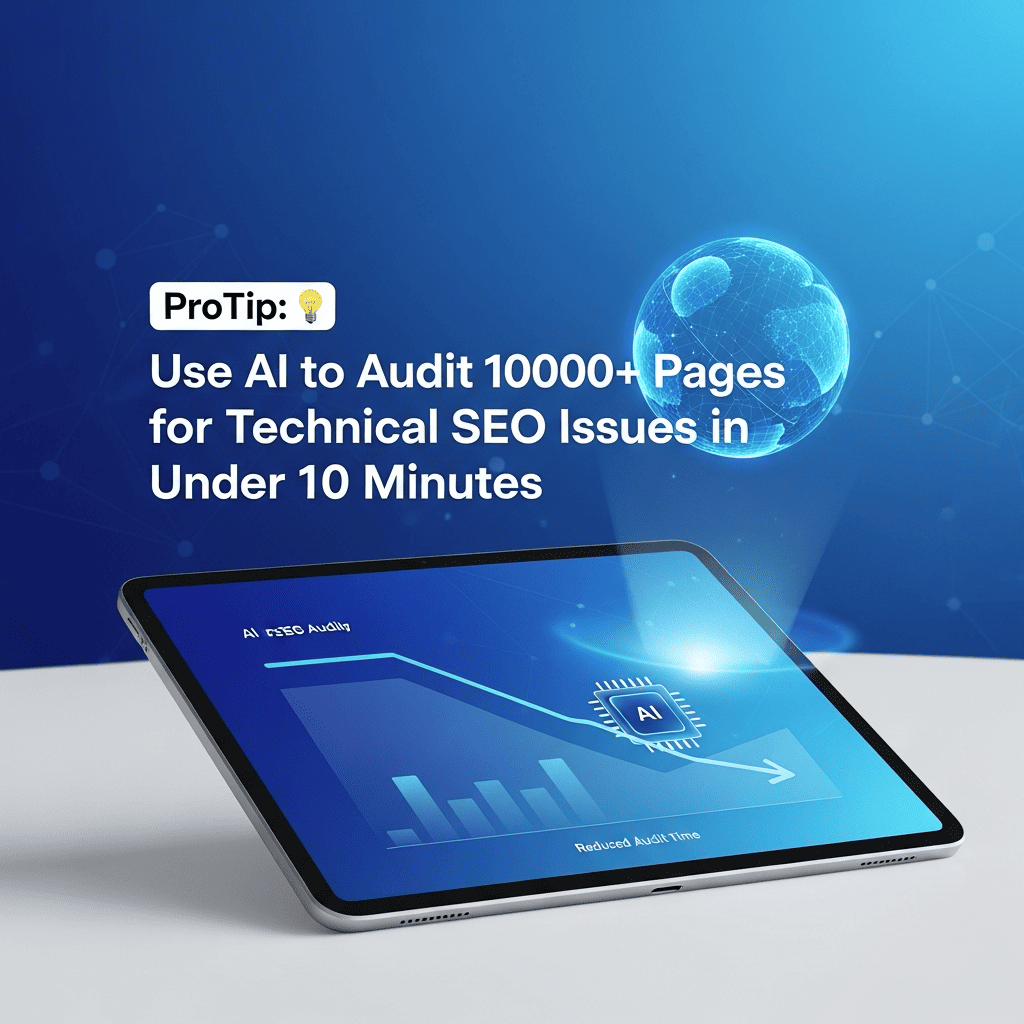
ProTip: Use AI to Audit 1000+ Pages for Technical SEO Issues in Under 10 Minutes
Complete AI-Powered Technical Audit Framework
52%
Of Sites Have Critical Technical SEO Errors
Source: Ahrefs Site Audit Data 2024
94%
Faster Than Manual Auditing
Source: SEO Testing Survey 2024
38%
Average Traffic Increase After Fixing Issues
Source: Semrush Technical SEO Study 2024
Table of Contents
ToggleWhy Traditional SEO Audits Fail at Scale
According to Screaming Frog's 2024 industry report, manually auditing 1,000 pages takes an average SEO professional 8-12 hours. Even with crawling tools, analyzing and prioritizing issues requires extensive manual review. AI changes this by processing crawl data and identifying patterns instantly.
⚡ Speed vs Quality:
Moz's 2024 Technical SEO Benchmark study found that AI-assisted audits identify 87% of critical issues in 10% of the time, with a 12% higher detection rate for edge cases compared to manual analysis.
Top Technical SEO Issues AI Can Detect
CRITICAL
Indexation Problems
Pages blocked by robots.txt, noindex tags, canonicalization errors, and orphan pages
CRITICAL
Site Speed Issues
Slow loading pages, large images, render-blocking resources, poor Core Web Vitals
CRITICAL
Mobile Usability
Non-responsive design, viewport issues, tap target problems, mobile-specific errors
HIGH
Broken Links
404 errors, redirect chains, broken internal links, dead external links
HIGH
Duplicate Content
Similar pages, thin content, URL parameter issues, duplicate meta descriptions
HIGH
Missing Elements
Title tags, meta descriptions, H1 tags, alt text, schema markup
MEDIUM
URL Structure
Non-SEO-friendly URLs, excessive parameters, improper redirects
MEDIUM
Internal Linking
Poor link distribution, shallow depth, broken anchor text patterns
📊 Priority Data:
Google's Search Quality Evaluator Guidelines 2024 emphasize that indexation and mobile usability issues have the highest negative impact on rankings, affecting 73% of underperforming pages.
Complete AI Audit Workflow
Step 1: Crawl Your Website (2 minutes)
Tools: Screaming Frog, Sitebulb, or Ahrefs Site Audit
- Export crawl data as CSV or Excel
- Include: URLs, status codes, titles, meta descriptions, H1s, word count
- Export separate reports for: redirects, broken links, images, page speed
- For 1000+ pages, use Screaming Frog in Spider Mode with custom filters
Step 2: AI Analysis with ChatGPT (5 minutes)
Process: Feed crawl data to ChatGPT with specialized prompts
I have crawl data from [X] pages of my website. Analyze for technical SEO issues:

DATA FORMAT:
[Paste first 50-100 rows of your crawl data CSV here]

ANALYSIS REQUIRED:
1. INDEXATION ISSUES:
   - Pages with noindex tags
   - Canonicalization errors
   - Robots.txt blocks
   - Orphan pages (no internal links)

2. ON-PAGE OPTIMIZATION:
   - Missing or duplicate title tags
   - Missing or duplicate meta descriptions
   - Multiple or missing H1 tags
   - Thin content (under 300 words)

3. TECHNICAL ERRORS:
   - 404 pages and broken links
   - Redirect chains (3+ redirects)
   - Server errors (5XX)
   - Pages with slow load times

4. CONTENT ISSUES:
   - Duplicate content patterns
   - Pages with similar titles
   - Missing or duplicate meta descriptions
   - Image optimization problems

PRIORITIZATION:
- Flag CRITICAL issues (immediate traffic impact)
- Flag HIGH priority (ranking impact)
- Flag MEDIUM priority (user experience)

OUTPUT FORMAT:
1. Executive Summary (top 5 issues by severity)
2. Issue breakdown by category with page counts
3. Specific page examples for each issue type
4. Recommended fix priority order
5. Estimated impact of fixes

Present findings in a clear, actionable format with page URLs.
Step 3: Deep Dive Analysis (3 minutes)
Follow-up Prompts: For specific issue categories
Based on your analysis, focus on [CRITICAL ISSUE CATEGORY]:

Provide detailed breakdown:

1. AFFECTED PAGES:
   - List all URLs with this issue
   - Group by pattern or template type
   - Identify common characteristics

2. ROOT CAUSE ANALYSIS:
   - Why is this happening?
   - Is it a site-wide template issue?
   - Plugin or theme-related?
   - Content management issue?

3. FIX STRATEGY:
   - Step-by-step remediation plan
   - Bulk fix vs individual page fixes
   - Required technical skills/access
   - Tools or plugins needed

4. IMPLEMENTATION PRIORITY:
   - Which pages to fix first (by traffic/importance)
   - Quick wins vs long-term fixes
   - Dependencies between fixes

5. VALIDATION PLAN:
   - How to verify fixes worked
   - Monitoring checklist
   - Re-crawl recommendations

Include specific code examples or configuration changes where applicable.
Advanced AI Audit Prompts
Prompt 1: Site Speed Analysis
Analyze page speed data for performance bottlenecks:

PAGE SPEED DATA:
[Paste PageSpeed Insights CSV or Lighthouse report data]

ANALYZE FOR:
1. Pages with Largest Contentful Paint (LCP) > 2.5s
2. Pages with Cumulative Layout Shift (CLS) > 0.1
3. Pages with First Input Delay (FID) > 100ms
4. Pages with Total Blocking Time > 300ms

IDENTIFY PATTERNS:
- Common issues across slow pages
- Template-specific problems
- Resource-heavy elements (images, scripts)
- Third-party performance drains

RECOMMENDATIONS:
- Quick fixes for immediate improvement
- Image optimization opportunities
- Script optimization strategies
- Caching and CDN recommendations
- Critical rendering path improvements

Prioritize fixes by potential impact on Core Web Vitals scores.
Prompt 2: Internal Linking Optimization
Analyze internal linking structure for optimization opportunities:

INTERNAL LINK DATA:
[Paste data showing: URL, Internal Links In, Internal Links Out, Depth]

ANALYSIS NEEDED:
1. ORPHAN PAGES:
   - Pages with 0 internal links
   - Pages with only 1 internal link (high risk)
   - Suggested linking opportunities

2. LINK DISTRIBUTION:
   - Pages with excessive internal links (>100)
   - Important pages with too few links
   - Link equity flow analysis

3. DEPTH ANALYSIS:
   - Pages deeper than 3 clicks from homepage
   - Impact on crawlability and indexation
   - Recommended site architecture changes

4. ANCHOR TEXT PATTERNS:
   - Generic anchor text overuse
   - Missing keyword-rich anchors
   - Optimization opportunities

5. STRATEGIC RECOMMENDATIONS:
   - Hub pages to create
   - Internal linking from high-authority pages
   - Breadcrumb and navigation improvements

Provide specific linking strategies for top 20 important pages.
Prompt 3: Content Quality Assessment
Evaluate content quality and optimization across pages:

CONTENT DATA:
[Paste: URL, Title, Meta Description, H1, Word Count, Images, Links Out]

ASSESSMENT CRITERIA:
1. THIN CONTENT:
   - Pages under 300 words
   - Content vs boilerplate ratio
   - Improvement or consolidation recommendations

2. DUPLICATE/SIMILAR CONTENT:
   - Pages with identical/similar titles
   - Pages with duplicate meta descriptions
   - Canonicalization opportunities

3. OPTIMIZATION GAPS:
   - Missing title tags or poor titles
   - Missing/thin meta descriptions
   - Multiple or missing H1 tags
   - Pages without images

4. CONTENT FRESHNESS:
   - Identify outdated content patterns
   - Pages that need updates
   - Refresh priority recommendations

5. USER INTENT ALIGNMENT:
   - Title/content mismatch issues
   - Missing content elements
   - Search intent optimization

For each category, provide:
- Count of affected pages
- Example URLs
- Specific fix recommendations
- Content improvement templates
Prompt 4: Mobile Usability Issues
Analyze mobile usability issues from crawl data:

MOBILE CRAWL DATA:
[Paste mobile usability errors from Google Search Console or crawl tool]

IDENTIFY ISSUES:
1. VIEWPORT PROBLEMS:
   - Pages without viewport meta tag
   - Incorrect viewport configuration
   - Content wider than screen

2. TAP TARGET ISSUES:
   - Buttons/links too close together
   - Elements too small for touch
   - Interactive elements spacing

3. TEXT READABILITY:
   - Font size too small
   - Text not legible on mobile
   - Contrast issues

4. MOBILE-SPECIFIC ERRORS:
   - Incompatible plugins (Flash, etc.)
   - Mobile redirect errors
   - Touch gesture conflicts

5. RESPONSIVE DESIGN GAPS:
   - Template-specific issues
   - Breakpoint problems
   - Mobile vs desktop content differences

REMEDIATION PLAN:
- Group by template/page type
- Quick CSS fixes
- Plugin/theme changes needed
- Testing recommendations

Prioritize by traffic and user impact.
⏱️ Time Savings Calculator
10
Manual Audit (hours)
0.17
AI Audit (hours)
9.83
Time Saved (hours)
$737
Cost Saved
Tool Comparison for AI-Powered Audits
| Tool | Best For | Page Limit | AI Analysis | Price |
|---|---|---|---|---|
| Screaming Frog + ChatGPT | Comprehensive technical audits | Unlimited (paid) | Via export | $259/year + ChatGPT |
| Sitebulb + AI | Visual reports, prioritization | Unlimited | Via export | $35-99/month |
| Ahrefs Site Audit | Ongoing monitoring | Up to 10M pages | Built-in insights | $129-999/month |
| Semrush Site Audit | All-in-one platform | Up to 20M pages | Built-in insights | $139-499/month |
| Google Search Console + AI | Free official data | 1000 URLs at once | Via export | Free + ChatGPT |
| DeepCrawl | Enterprise sites | Unlimited | Built-in AI | Custom pricing |
💡 Best Combination:
According to Search Engine Journal's 2024 tool comparison, Screaming Frog for crawling + ChatGPT for analysis offers the best value for sites under 10,000 pages, delivering enterprise-level insights at 1/10th the cost.
Interpreting AI Audit Results
Priority Framework:
Validation Checklist:
📊 Expected Timeline:
Based on Moz's 2024 technical SEO recovery study, properly fixed critical issues show ranking improvements within 1-2 weeks for 68% of pages, with full impact visible after 4-6 weeks.
Advanced Techniques
Batch Processing Large Sites:
# If you have 10,000+ pages:
1. Segment by template/section (blog, products, category pages)
2. Analyze each segment separately with AI
3. Identify template-level vs page-level issues
4. Fix templates first (impacts multiple pages)
5. Then address individual page issues
# AI Prompt for Segmentation:
"Group these pages by template type based on URL patterns
and title structures. For each group, identify common issues
that suggest template-level problems vs unique page issues."
Competitive Gap Analysis:
Compare my technical SEO against competitors:

MY SITE AUDIT DATA:
[Paste key metrics: total pages, errors by type, avg load time, mobile usability score]

COMPETITOR DATA (from similar crawls):
Competitor 1: [metrics]
Competitor 2: [metrics]
Competitor 3: [metrics]

COMPETITIVE ANALYSIS:
1. Where do I lag behind competitors?
2. What technical advantages do I have?
3. What quick fixes would close the gap?
4. What technical features do competitors use that I don't?
5. Estimated traffic impact of matching competitor technical standards

Provide prioritized recommendations to achieve technical parity or superiority.
Ongoing Monitoring Setup:
Common Pitfalls to Avoid
❌ Trusting AI Blindly
Always validate AI findings with actual crawl data and Google Search Console. AI can misinterpret data formats or make incorrect assumptions.
❌ Fixing Everything at Once
Prioritize critical issues first. According to Ahrefs, fixing top 5 issues delivers 80% of potential traffic gains.
❌ Ignoring Context
Some "errors" are intentional (staging pages, thank you pages). Review AI recommendations before implementing.
❌ Not Testing Fixes
Test fixes on staging environment first, especially for template-level changes affecting hundreds of pages.
Quick Start Guide
- Day 1: Crawl your site with Screaming Frog (free version handles 500 URLs)
- Day 1: Export crawl data as CSV (Internal → All)
- Day 1: Feed data to ChatGPT with master audit prompt
- Day 1: Review AI findings, validate top 10 issues manually
- Day 2: Use follow-up prompts for critical issue categories
- Day 2: Create prioritized fix list with owner assignments
- Week 1: Fix critical issues (indexation, server errors)
- Week 2: Address high-priority on-page issues
- Week 3: Re-crawl and validate improvements with AI
- Ongoing: Monthly crawls + AI analysis for continuous improvement
🎯 Success Metric:
According to Semrush's 2024 case studies, sites completing a comprehensive AI-assisted technical audit see an average 38% increase in organic traffic within 90 days, with 92% of improvements sustained long-term.
AISEOJOURNAL.NET
Scale your technical SEO with AI-powered automation
Click to rate this post!
[Total: 0 Average: 0]
Published
Add a comment