
AISEOJOURNAL.NET
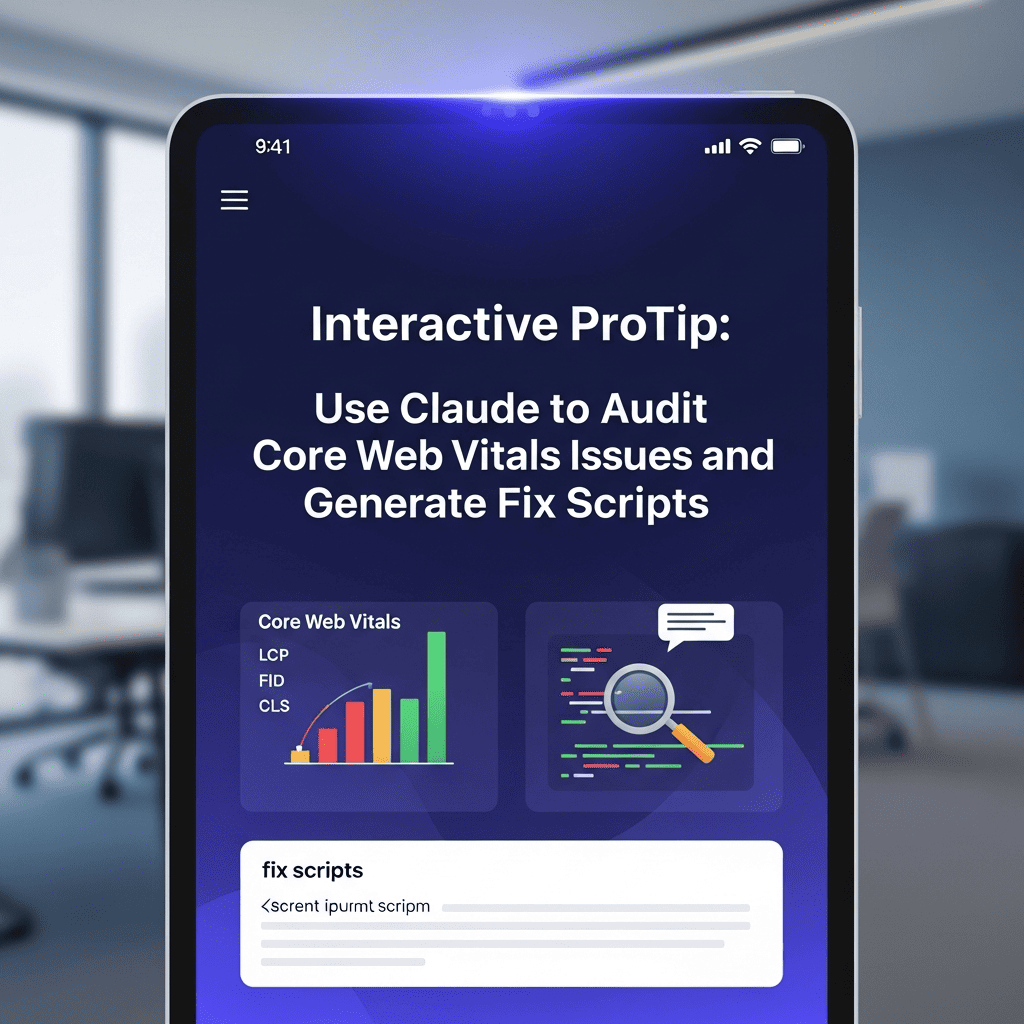
⚡ Core Web Vitals Audit & Fix Generator
Use Claude to audit Core Web Vitals issues and generate actionable fix scripts for optimal performance
53%
Users Leave if Load >3s
100%
Sites Must Meet CWV by 2025
24%
Better Conversion with Good CWV
2.5s
Ideal LCP Target
💡 Pro Tip
According to Google's 2024 Web Performance Report, sites with good Core Web Vitals see 24% higher conversion rates and 70% longer average session duration. As of March 2024, CWV is a confirmed ranking factor for all pages. Sites failing to meet thresholds (LCP <2.5s, FID <100ms, CLS <0.1) experience ranking penalties and user experience degradation. Claude can analyze your PageSpeed reports and generate custom optimization scripts in seconds.
🎯
LCP
Largest Contentful Paint
Measures loading performance - when the largest content element becomes visible
Good: ≤2.5s | Poor: >4.0s
⚡
INP
Interaction to Next Paint
Measures interactivity - responsiveness to user interactions
Good: ≤200ms | Poor: >500ms
🎢
CLS
Cumulative Layout Shift
Measures visual stability - unexpected layout shifts during page load
Good: ≤0.1 | Poor: >0.25
Table of Contents
ToggleCommon Core Web Vitals Issues
🎯 LCP Issues
- Slow server response times (TTFB >600ms)
- Render-blocking JavaScript and CSS
- Large, unoptimized images above the fold
- Client-side rendering delays
- Slow resource load times from third-party scripts
- Missing resource hints (preload, prefetch)
⚡ INP Issues
- Long JavaScript execution blocking main thread
- Heavy event handlers without debouncing
- Large DOM size (>1500 nodes)
- Excessive third-party scripts
- Unoptimized animations and transitions
- Synchronous layout calculations
🎢 CLS Issues
- Images without width/height attributes
- Ads, embeds, iframes without reserved space
- Web fonts causing FOIT/FOUT
- Dynamically injected content above existing content
- Late-loading CSS causing style recalculation
- Animations triggering layout shifts
Generate Your Core Web Vitals Audit
Your Custom Claude Audit Prompt
📋 How to Use This Prompt
1. Copy the generated prompt below
2. Run PageSpeed Insights on your key pages (optional but recommended)
3. Open Claude at claude.ai
4. Paste the prompt and optionally attach PageSpeed reports
5. Claude will provide: Detailed audit, prioritized issues, fix scripts, implementation guides
6. Implement fixes following Claude's step-by-step instructions
7. Re-test and verify improvements in PageSpeed Insights
2. Run PageSpeed Insights on your key pages (optional but recommended)
3. Open Claude at claude.ai
4. Paste the prompt and optionally attach PageSpeed reports
5. Claude will provide: Detailed audit, prioritized issues, fix scripts, implementation guides
6. Implement fixes following Claude's step-by-step instructions
7. Re-test and verify improvements in PageSpeed Insights
💡 Pro Tips for Best Results
• Test on Mobile First: Mobile CWV scores matter most for rankings
• Upload Screenshots: Share your PageSpeed reports with Claude for precise analysis
• Implement Systematically: Start with high-impact fixes (LCP > CLS > INP)
• Test After Each Change: Verify improvements before moving to next fix
• Use Staging Environment: Never implement fixes directly on production
• Upload Screenshots: Share your PageSpeed reports with Claude for precise analysis
• Implement Systematically: Start with high-impact fixes (LCP > CLS > INP)
• Test After Each Change: Verify improvements before moving to next fix
• Use Staging Environment: Never implement fixes directly on production
🎯
Precise Diagnosis
Claude analyzes PageSpeed data to identify root causes, not just symptoms, providing accurate issue identification.
⚡
Ready-to-Use Scripts
Get copy-paste code snippets, .htaccess rules, and configuration files tailored to your exact platform and issues.
📊
Prioritized Roadmap
Claude prioritizes fixes by impact, helping you achieve the biggest performance gains with minimal effort first.
🛠️
Platform-Specific Solutions
Optimization strategies customized for WordPress, Shopify, React, or your specific tech stack and hosting environment.
📈
Measurable Improvements
Clear before/after expectations with predicted score improvements and performance metrics for each fix.
🎓
Learn While Fixing
Claude explains the "why" behind each issue and fix, building your understanding of web performance optimization.
AISEOJOURNAL.NET
Achieving perfect Core Web Vitals with AI-powered performance optimization
Click to rate this post!
[Total: 0 Average: 0]