

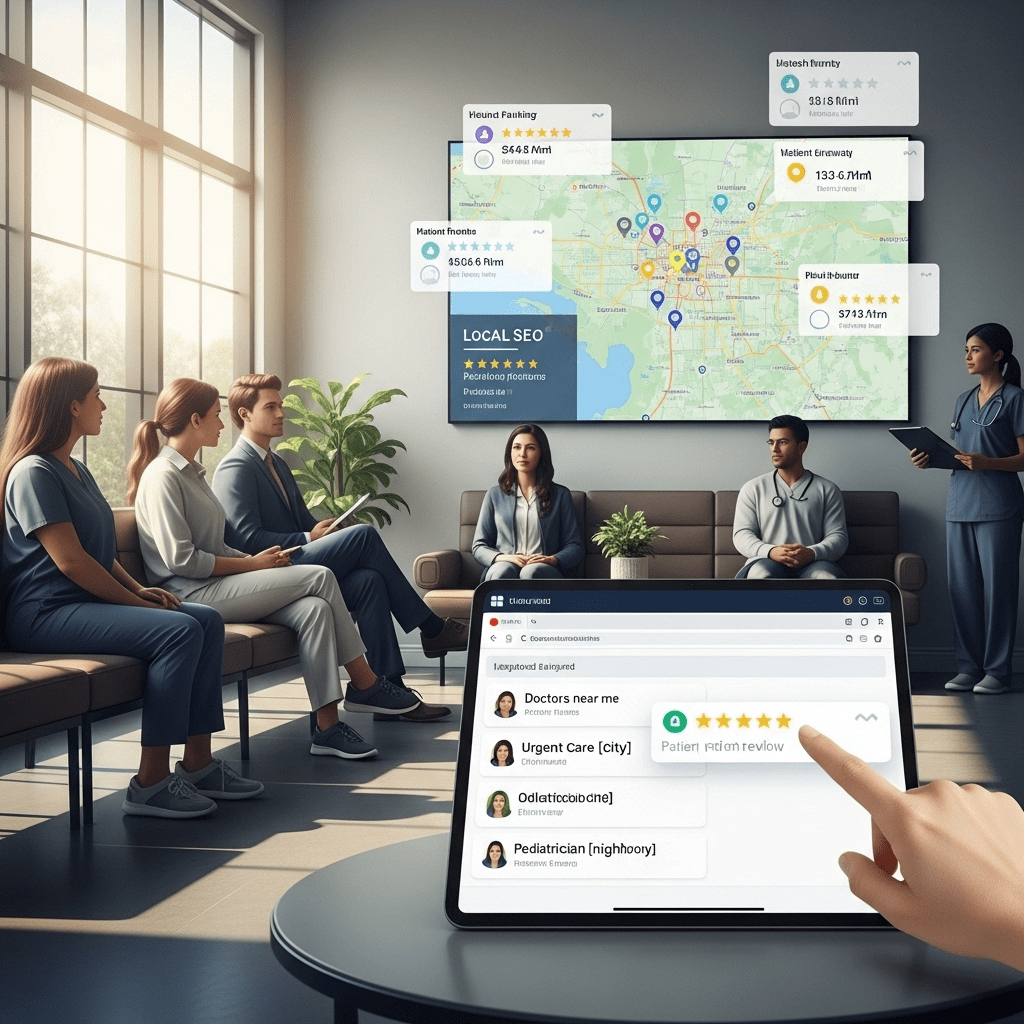
Patients search near them. For a medical practice, local SEO starts with a correct Google Business Profile. Many practices get this wrong. They list the wrong name, create duplicate profiles or give every nurse a listing.
This guide follows Google’s own profile guidelines. It covers who gets a profile, how to name it, and how to keep details and reviews clean. For the wider trust picture, see our healthcare SEO guide.
If you only do one thing
Check that every profile represents a real, staffed location or a real public-facing practitioner. Then make the name, address, phone number and hours match your website exactly.
Read the workflow as text
- If you only do one thing. Every profile is a real, staffed location or a real public-facing practitioner.
- Search your practice name on Google Maps and note every listing you find.
- Check each listing. Is it a real, staffed location or a public-facing practitioner?
- Fix or remove duplicates. There should only be one profile per business.
- Match your details. One format for name, address and phone. Same hours as your website.
- Add location pages. One page per staffed site with address, hours, services and clinicians.
- Ask for reviews the right way. You may ask patients. Keep replies free of patient details.
- Not allowed: virtual offices and P.O. boxes, profiles for support staff, paying for reviews, staff quotas, or asking only for positive reviews.
Table of Contents
ToggleWho can have a Google Business Profile?
Google’s guidelines treat doctors, dentists and similar professionals as individual practitioners. Each public-facing practitioner may have their own profile. Support staff may not. A practitioner should not create several profiles for different specialties [1].
| Situation | What Google’s guidelines say |
|---|---|
| Several practitioners share one location | The organisation gets a location profile. Each practitioner’s profile uses only that practitioner’s name [1] |
| Solo practitioner at a branded practice | One profile, named “[brand or company]: [practitioner name]” [1] |
| Hospital or university department | A separate profile is possible if it has its own name, customer entrance and category [1] |
| Address | It must be a precise, real-world address. P.O. boxes and remote mailboxes are not acceptable. One profile per location [1] |
Watch out: A virtual office does not qualify for a profile [1]. If you offer only video visits, read our telehealth SEO guide first.
What if you find a duplicate or someone else’s listing?
Google says you can have only one Business Profile for each business, and duplicates are not shown on Search or Maps [4]. Work in this order.
- Decide which profile stays. Practitioners and departments are the exceptions, if they are eligible [1].
- If you made the duplicate by mistake, remove it from your Google account. That deletes its content and linked managers, so pick the right one [4].
- If someone else owns the existing profile, request ownership. The owner has three days to respond [4].
- If the existing profile is unverified, claim and verify it [4].
- To merge duplicates, report a suggestion on Google Maps. Reviews combine, but replies to reviews may be lost [4].
- If you moved, update the existing profile’s address. Do not create a new one [4].
How do you keep your details consistent?
- Pick one exact format for the practice name, address and phone number. Use it everywhere.
- Match your website. The contact page, the footer and each location page should show the same details.
- Update hours when they change, including holidays.
- Remove duplicates. Search for the practice name and check for old listings.
- Add a location page for each staffed site, with its own address, hours, services and clinicians.
What does “the same everywhere” look like?
Here is a made-up practice to show the idea. “Riverside Family Practice” does not exist. Google says the name should be the real-world name used on your storefront, website and stationery, without taglines, location or service descriptors, or keywords [1].
| Detail | Same everywhere (example) | Fails (example) |
|---|---|---|
| Name | Riverside Family Practice | Riverside Family Practice – Best Doctors Open Late |
| Address | 12 High Street, Anytown AB1 2CD | 12 High St on the site, a P.O. box on the profile [1] |
| Phone | 01234 567890 on every page | A different number on the footer and the profile |
| Hours | The same hours on the profile and the contact page | Hours on the profile that the site does not show |
One check from Google is worth doing. Its guidelines say businesses that only offer appointment-based service should not provide hours [1]. If you see patients only by appointment, read that section before you list hours.
How should you handle reviews?
You may ask patients for reviews. You may not pay for them, set staff quotas or ask only for positive ones [2]. Our reputation management guide covers replies and privacy.
What can a review request say?
Google’s policy says you may not offer incentives for reviews, discourage negative reviews, or selectively ask for positive ones. It also says staff should not be asked to hit a set number of requests [2]. These are example wordings, not quotes.
| Allowed (example) | Not allowed (example) | Why |
|---|---|---|
| If you were happy with your visit, you can leave a review here: [link]. | Leave a 5-star review and get a discount. | An incentive for a review [2] |
| We would value your feedback, whatever your experience. | Only happy patients, please leave a review. | Selectively asking for positive reviews [2] |
| We would value your feedback. | Every team member must collect 10 reviews this month. | A staff quota [2] |
| A review written by a patient. | A review written by a current or former employee. | A conflict of interest [2] |
How do you reply to reviews safely?
Only a verified business can reply. Replies are public, and the reviewer can still edit their review afterwards [5].
Keep every reply free of patient details. In March 2022 OCR imposed a $50,000 civil monetary penalty on a dental practice whose reply to a negative Google review had revealed a patient’s full name and details of the services he received [7].
Risky reply (example)
Thanks, [patient name]. We hope your [procedure] is healing well.Safer reply (example)
Thank you for the feedback. We take it seriously. Please contact our office so we can talk.Should you add LocalBusiness markup?
It can help Google read your details, but it is not a ranking lever. Google says the markup tells it about things like business hours and departments, and that it does not guarantee any feature will show [6]. The required properties are name and address. Google also recommends the most specific subtype, and properties such as openingHoursSpecification, telephone and url [6].
Template. Fill in true values only.
{
  "@context": "https://schema.org",
  "@type": "[most specific LocalBusiness subtype]",
  "name": "[real-world practice name]",
  "address": { "@type": "PostalAddress", "streetAddress": "[street]", "addressLocality": "[town]", "postalCode": "[code]", "addressCountry": "[country]" },
  "telephone": "[number with country and area code]",
  "url": "[location page URL]"
}
Match every value to the profile and the location page. Add the block to the location page, not to every page.
What does Google expect from medical pages?
Google says E-E-A-T is not a specific ranking factor. Its systems look for content that shows experience, expertise, authoritativeness and trust, and trust matters most. It gives extra weight to strong signals for topics that affect health [3]. Name your clinicians and show their credentials on every service page.
From our own site: The earlier version of this article had no outside source. Our audit on 8 November 2026 counted 29 percentage figures and 16 dollar amounts in it. We removed them and rebuilt the advice from Google’s own guidelines. On 9 November 2026 we also counted the sources listed on our nine healthcare guides. This one listed three before today’s rewrite. Three others (the E-E-A-T, writing-guidelines and accessibility guides) now list 6, 6 and 14, and five still list three. This counts listed sources. It does not judge their quality.
Pick one practice. Tick what is already true. The tool counts your ticks and lists the gaps. It does not look at Google or your website and stores nothing. Nothing leaves this page.
Frequently asked questions
Can each doctor in my practice have a Google Business Profile?
Each public-facing practitioner may have one. Support staff may not. A practitioner should not create several profiles for different specialties.
How should I name a practitioner's profile?
A solo practitioner at a branded practice uses “[brand]: [practitioner name]”. When several practitioners share a location, each profile uses only that practitioner’s name.
Can I use a P.O. box or virtual office?
No. Google requires a precise, real-world address. P.O. boxes, remote mailboxes and virtual offices do not qualify.
Can I ask patients for reviews?
Yes, but you cannot offer rewards, set staff quotas or ask only for positive reviews.
Do I need a location page on my website?
It helps. Give each staffed location its own page with matching name, address, phone and hours.
Should my profile list hours if patients need an appointment?
Check Google’s guidelines first. They say a business that only offers appointment-based service should not provide hours. If you also see patients during stated hours, list those hours and keep them the same on your website.
What should I do about a duplicate profile?
Google allows one profile per business, with exceptions for eligible practitioners and departments. Remove a duplicate you made, request ownership of one someone else owns, or report a merge on Google Maps.
What should you do next?
Search your practice name on Google Maps today. Note every listing you find. Fix or remove any duplicate, then compare each listing with your website’s contact details.
Sources
- Google Business Profile Help — Guidelines for representing your business on Google
- Google Maps Help — Prohibited and restricted content: fake engagement and review policy
- Google Search Central — Creating helpful, reliable, people-first content
- Google Business Profile Help — Resolve duplicate profiles & ownership issues (checked 9 November 2026)
- Google Business Profile Help — Manage customer reviews (checked 9 November 2026)
- Google Search Central — Local business (LocalBusiness) structured data (checked 9 November 2026)
- ArentFox Schiff — Disclosing Patient Information in Responses to Online Reviews (29 July 2022; checked 9 November 2026)